

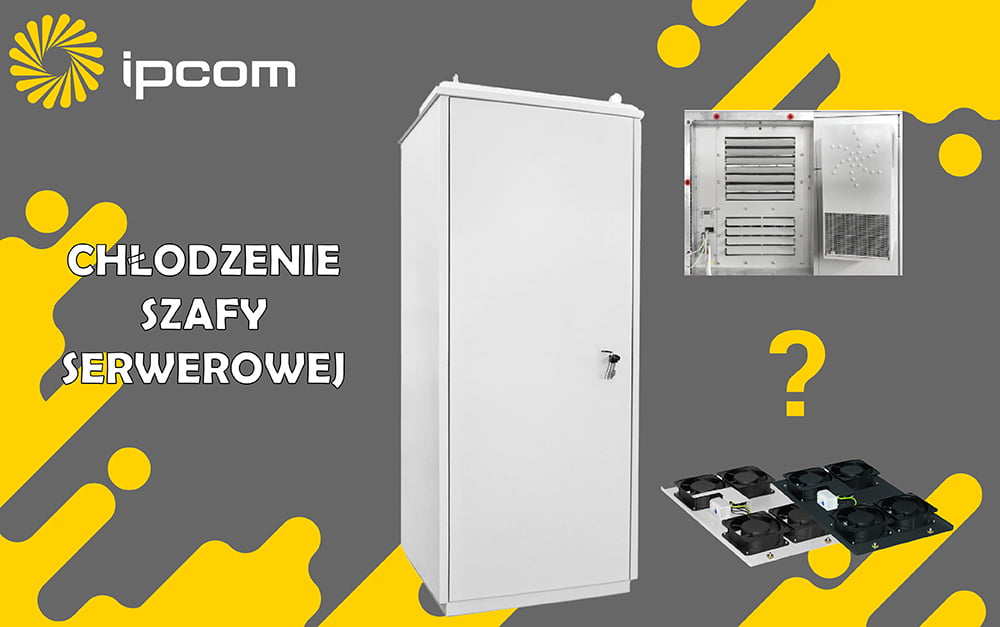
Reliable performance of IT and telecom infrastructure depends greatly on proper server rack cooling. Each network cabinet, installed indoors or outdoors, should keep a balanced internal temperature and steady airflow to avoid overheating and unexpected equipment shutdowns. In this article, we’ll explore the main approaches of server rack cooling solutions and their advantages. After reading it, you’ll no longer wonder how to cool a server rack.
Consequences of Network and Server Overheating
The most common issues resulting from inadequate network cabinet or server rack cooling include:
- Unstable operation of server or telecommunication systems.
- Damage to components — processors, power supplies, and switches.
- Performance degradation of equipment.
- Data loss or damage.
- Costly repairs or the need to purchase new telecom or server cabinets with equipment.
Three Main Methods of Server Rack Cooling
- Passive cooling – This approach relies on natural air circulation or free cooling systems that use outdoor air.
- Forced convection – involves installing cabinet fans to enhance air circulation and remove excess heat.
- Air conditioning cooling system – uses compressor-based refrigeration units and thermostatic control to achieve consistent internal temperatures in climate-controlled cabinets.
Pros and Cons of Various Server Cabinet Cooling Solutions
1. Passive Thermal Control
Pros:
- No extra cost for thermal control equipment such as fans or AC units.
- No power consumption — the system relies on natural air circulation.
- Simple and durable design with minimal maintenance requirements.
Cons:
- Ineffective in high-density setups or enclosed spaces.
- Not suitable for outdoor or high-temperature environments.
- Temperature control efficiency depends entirely on ambient conditions.
2. Forced Convection (Fan Cooling)
Pros:
- Affordable and easy to install.
- Improves airflow and heat dissipation inside the network cabinet.
- Well suited for cases that do not contain too much heat-generating gear.
Cons:
- Ineffective in hot rooms.
- Fans must be cleaned and maintained regularly.
3. Air-Conditioned Temperature Control
Pros:
- Maintains precise internal temperature regardless of external conditions.
- Ideal for outdoor or high-density network installations.
- Prevents overheating and ensures long-term equipment reliability.
Cons:
- Higher initial and operating cost.
- Requires regular servicing of AC units and filters.
- Consumes more power than passive or fan server rack cooling.
How to Cool Server Rack: Recommendations
Even the most advanced cooling system won’t perform effectively without correct installation and planned service maintenance.
Here are a few simple but important steps to optimize your server or network cabinet cooling:
- Leave enough space around and inside the cabinet for air circulation.
- Integrate sensors within the enclosure to track temperature changes, ideally near the air intake and exhaust zones.
- Combine passive, fan, or air-conditioned methods where needed.
- Keep at least 10% free space — avoid overloading the cabinet.
Rack Cooling Solutions by IPCOM-Group
IPCOM-Group designs and manufactures advanced indoor and outdoor communication rack cabinets equipped with efficient cooling and climate control systems.
Whether you need a standard rack or a fully air-conditioned enclosure, we provide reliable, field-tested solutions for stable equipment operation.
Reach out to our technical team for a detailed consultation, specifications, and custom configurations
 info@ipcom-group.pl
 +48-57-35-69-079